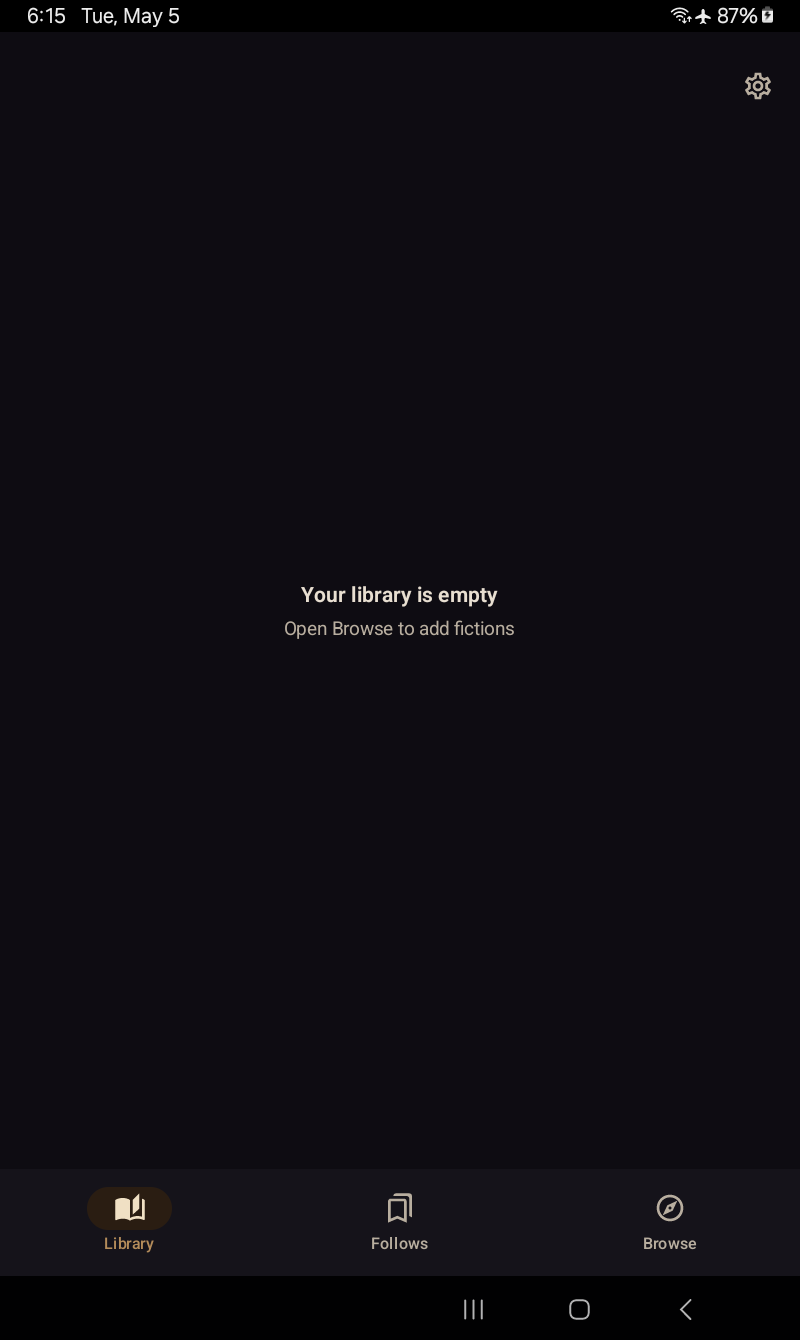
Captured on a Galaxy Tab A7 Lite (800×1340 px) running storyvox in both Library Nocturne themes — brass on warm-dark or brass on parchment cream. The shots below swap with your current preference; toggle the theme in the page header to see both.
Browse
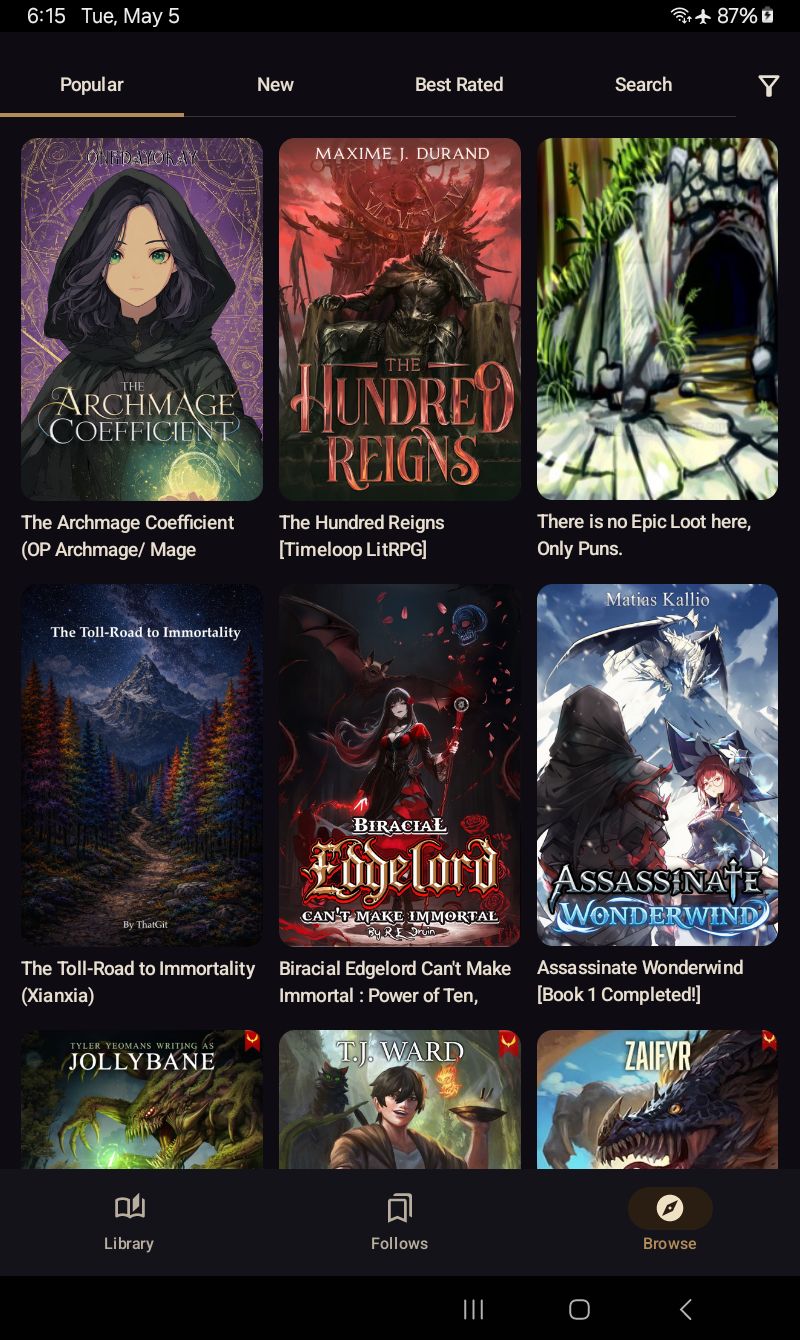
Browse — Royal Road infinite-scroll grid with cover art and pinned source picker.
Filters
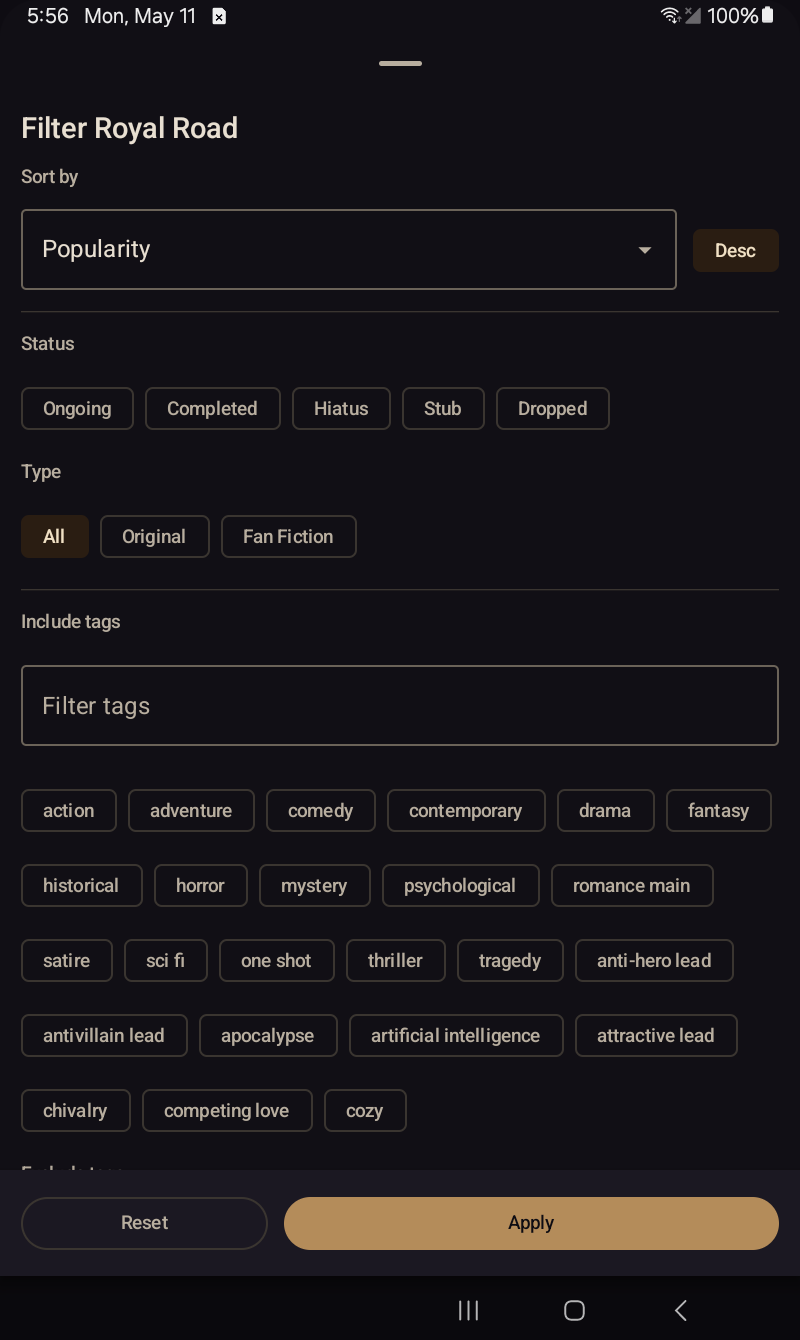
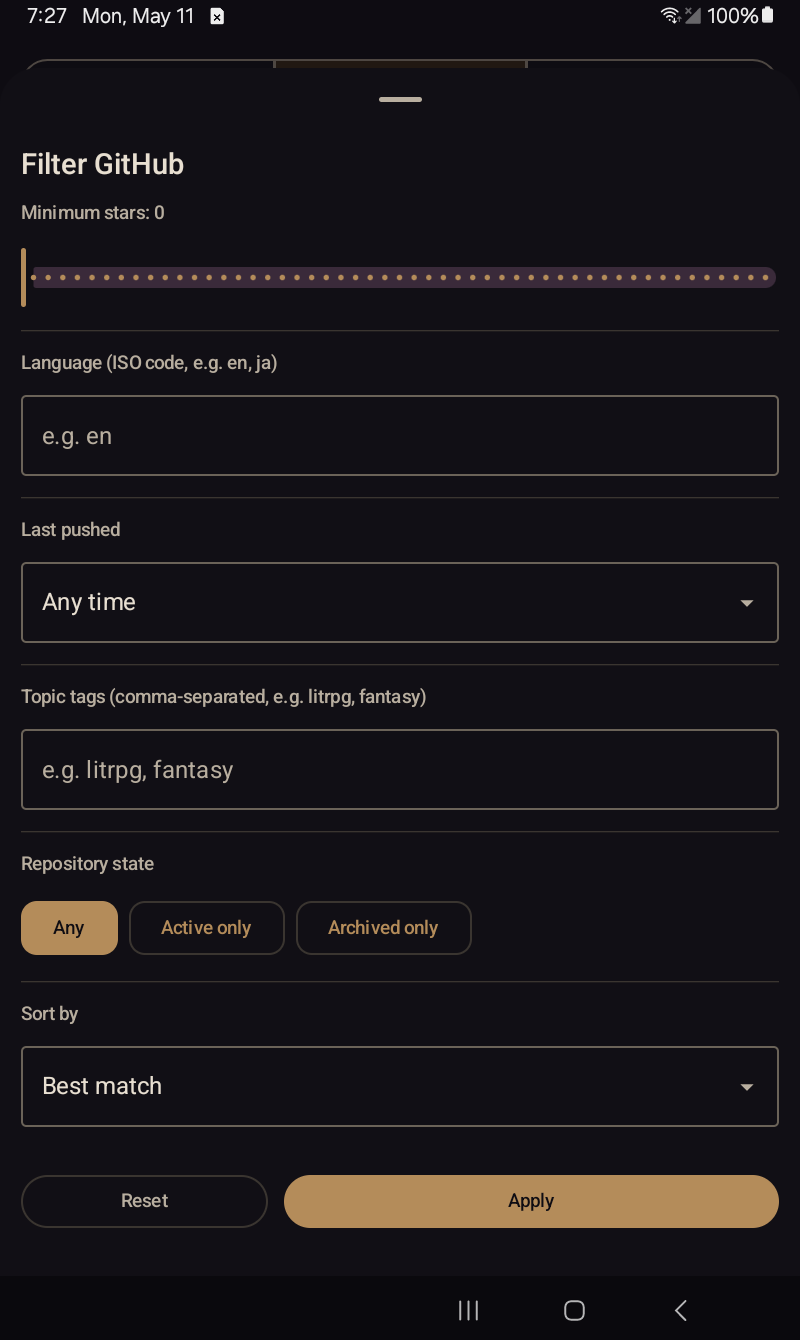
The full Royal Road filter set — sort, status, type, tags include / exclude, length, rating, plus content-warning pills (Profanity, Sexual, Violence, Sensitive, AI-assisted, AI-generated).The GitHub filter sheet — minimum stars, language code, last-pushed window, topic tags, repository state (Any / Active only / Archived only), sort order.
Fiction detail
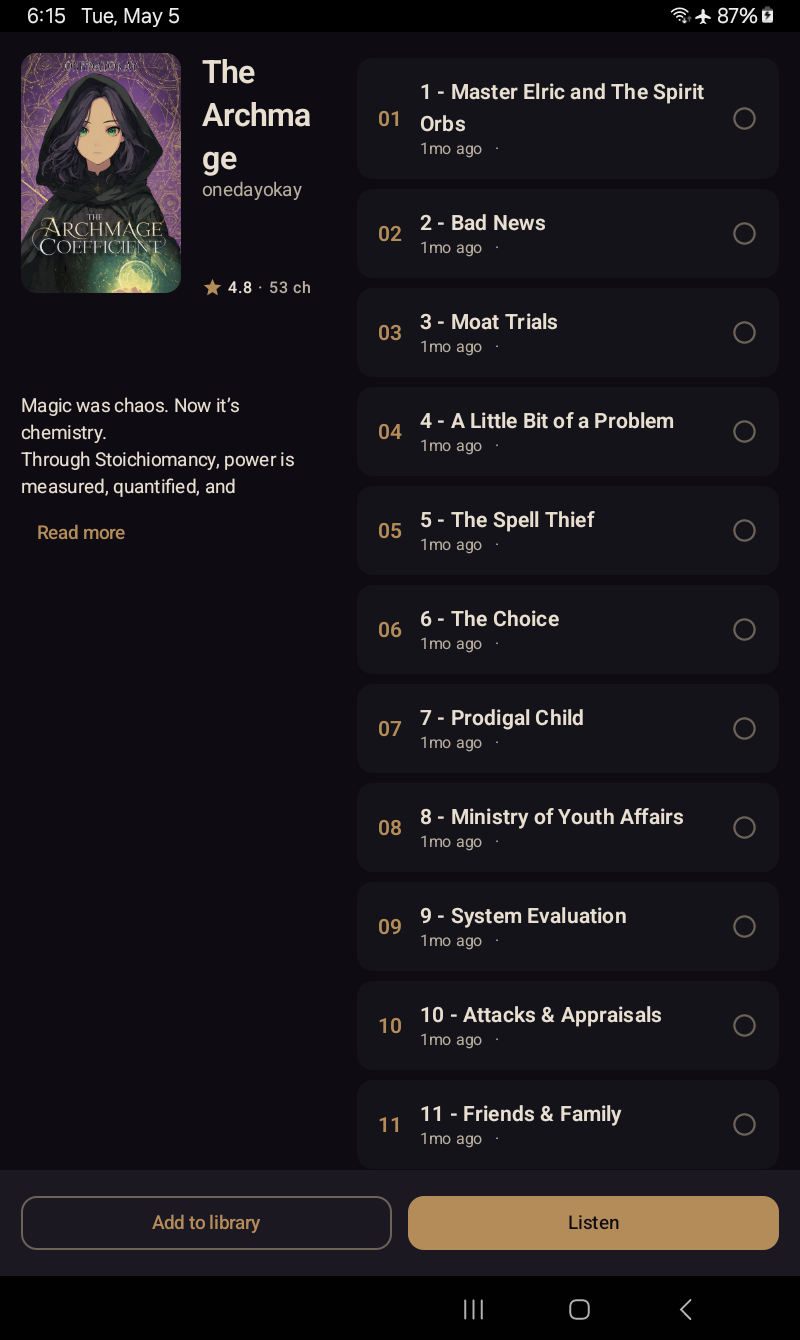
Fiction detail — synopsis, tags, chapter list, follow / unfollow, jump to first unread.
Reader / audiobook view
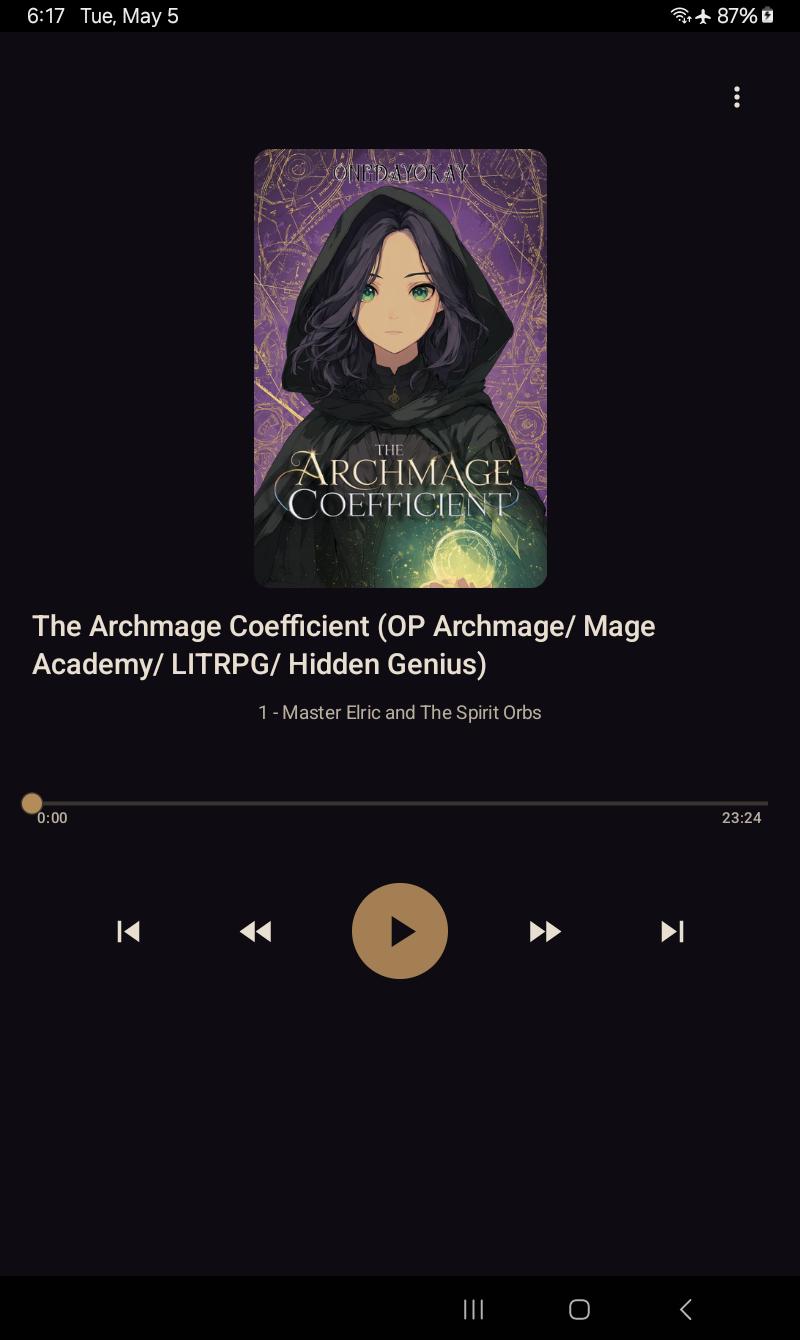
Reader — the spoken sentence glides in brass as TTS plays. Swipe left for the audiobook view (cover, scrubber, transport controls).
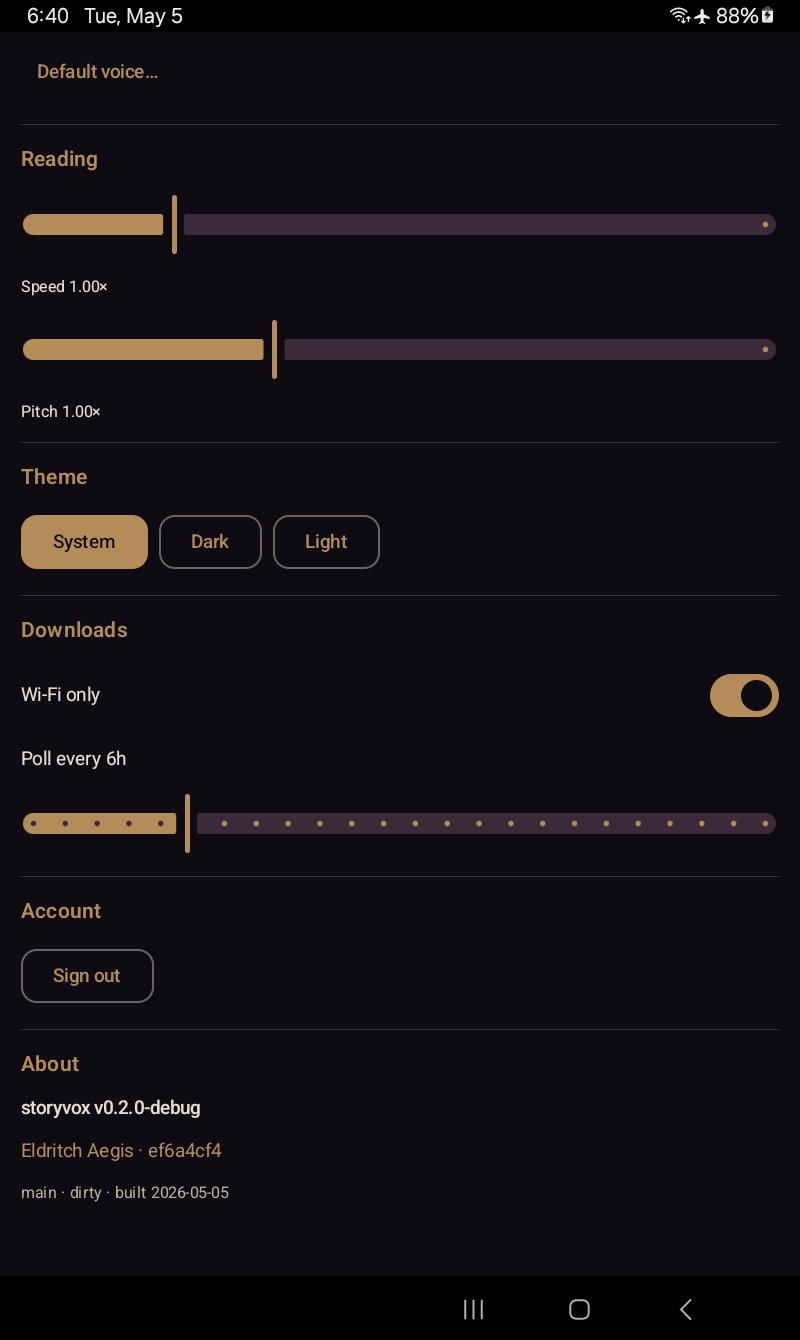
Settings — Voice & Playback section: voice library, speed, pitch, punctuation cadence, pronunciation overrides, theme picker. (Dark capture pre-dates the v0.5.00 Settings IA redesign; light captures the current eight-section layout.)
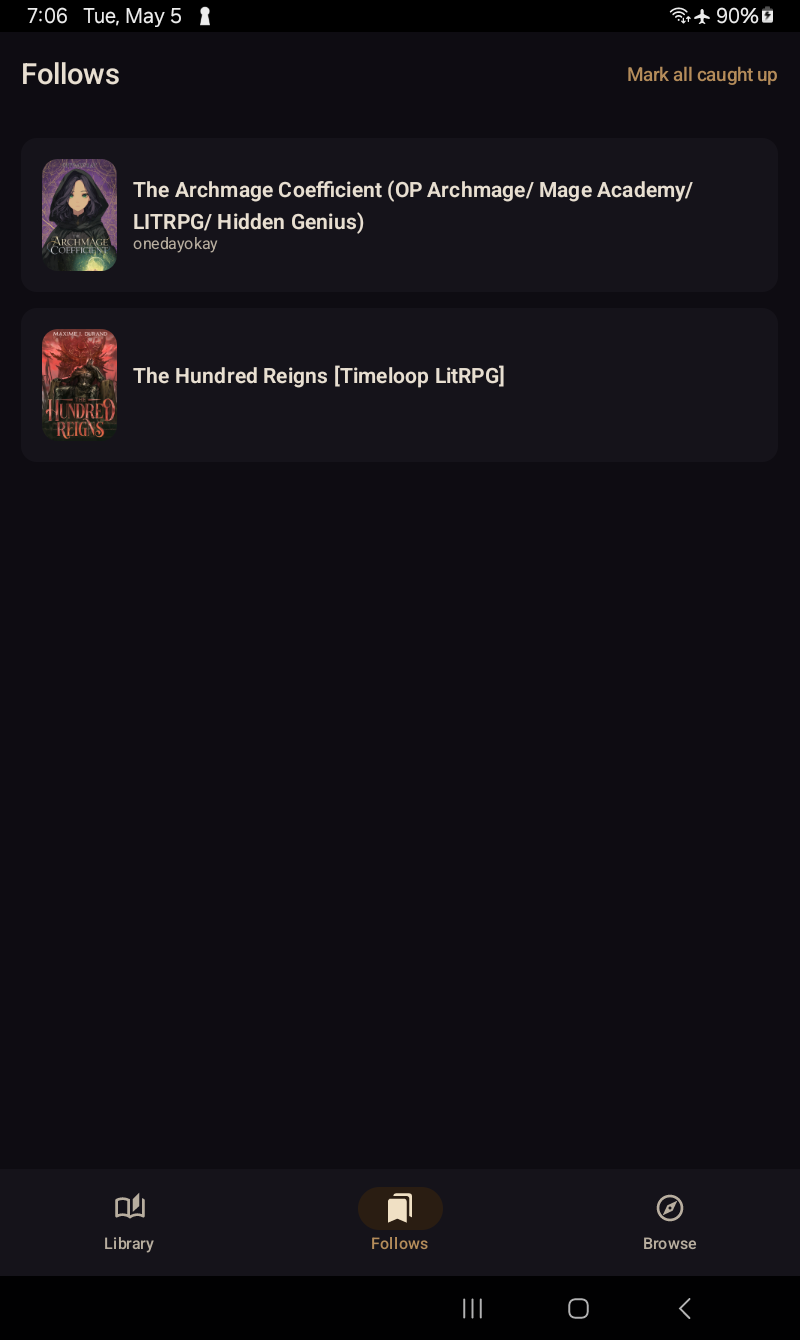
Follows
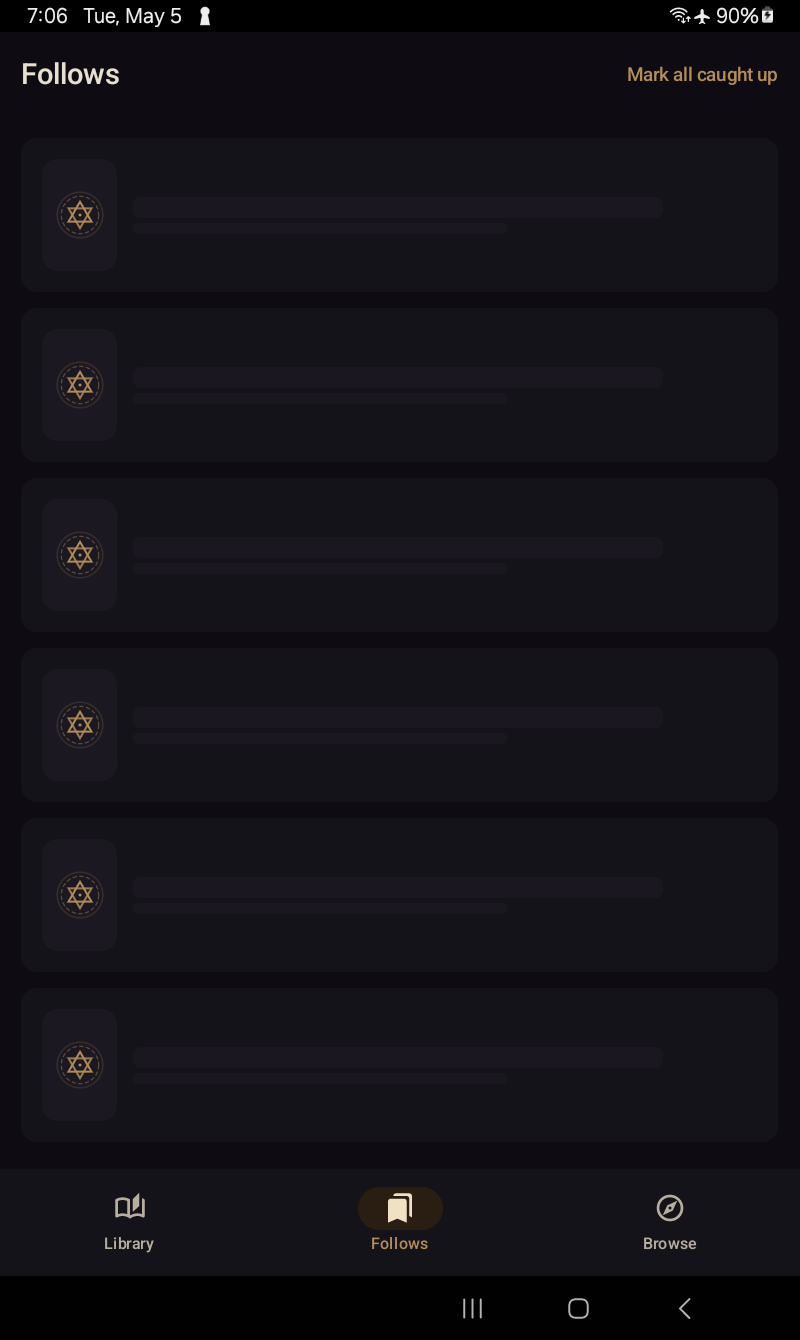
Follows — sync in progress. (Loading-state capture is timing-sensitive; light variant pending.)Follows — Royal Road sign-in surface. Dark capture shows the populated list once signed in; light shows the empty / sign-in prompt.